Windows, macOS, Linux, Android, and iOS follow a consistent product logic, reducing repeated setup across devices.
Stable cross-border VPN client
365VPN keeps global services within reach
365VPN supports Windows, macOS, Linux, Android, and iOS. Whether you browse overseas websites, use ChatGPT and Cursor, watch YouTube and Netflix, or operate Amazon, Shopify, and TikTok Shop workflows, 365VPN helps keep routing, split tunneling, and device experience consistent.
Smart routing
Split tunneling
Linux client
Streaming mode
AI tools
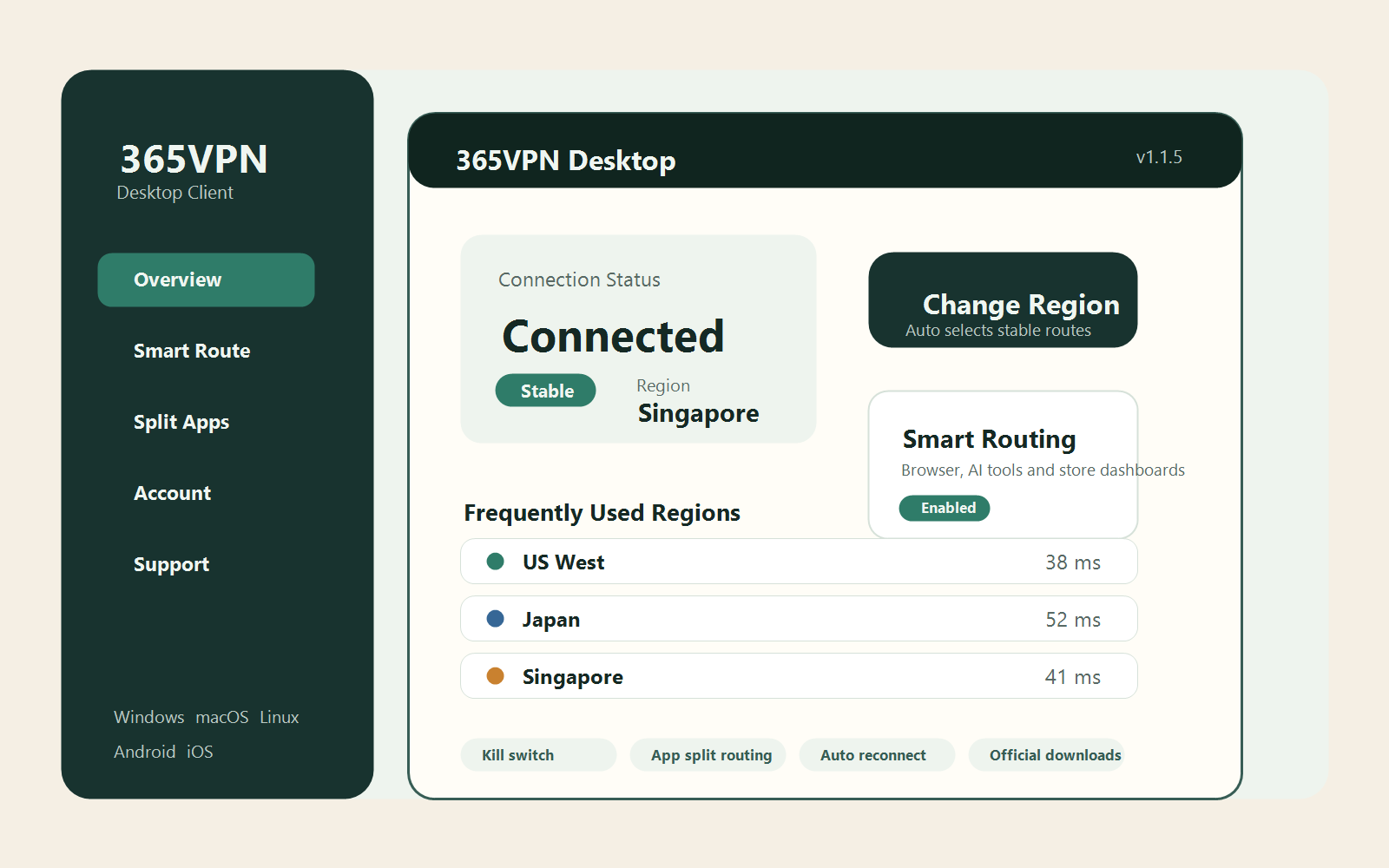
During peak hours, 365VPN prioritizes routes that stay usable and recovers faster when a route becomes unstable.
Built for overseas websites, model platforms, content services, cross-border dashboards, and everyday browsing.
Client versions, platform support, and routing strategies are maintained to keep common devices reliable.
Core Features
A VPN client built for long-term daily use
365VPN focuses on connection stability, route recovery, and consistent configuration across desktop and mobile devices.
Stable-first routing
365VPN considers availability and recovery speed, not only latency numbers, to reduce failures during busy hours.
App-level split tunneling
Browsers, AI tools, ecommerce dashboards, and streaming apps can route through 365VPN while unrelated apps stay local.
Consistent cross-platform setup
Favorite regions, common routes, and basic policies feel familiar when moving between devices.
Scenario-based support
365VPN optimizes for AI tools, streaming, remote collaboration, and cross-border business workflows.
Use Cases
Designed around real cross-border access needs
Streaming needs stable recognition, AI tools need long sessions, and business dashboards care about login continuity and upload reliability.
YouTube, Netflix, Disney+ and live sports
Prefer regions and routes that stay recognized, reducing playback interruptions and account friction.
ChatGPT, Claude, Cursor, Gemini
Long prompts, code work, and model requests need a route that stays consistent longer than a single speed test.
Amazon, Shopify, TikTok Shop and remote collaboration
Dashboards, uploads, GitHub, and Figma work better when business traffic is separated from entertainment traffic.
All Platforms
Use 365VPN on Windows, macOS, Linux, Android, and iOS
Choose the version for your current device and keep routing behavior consistent across desktop and mobile platforms.
Windows
For browsers, AI tools, ecommerce dashboards, uploads, and remote collaboration.
View Windows clientmacOS
For writing, content work, meetings, and daily browsing with favorite regions and browser routing.
View macOS clientLinux
For Debian and Ubuntu desktop environments used in development, AI coding, and remote work.
View Linux clientAndroid and iOS
For mobile browsing, overseas content access, and account continuity across devices.
Download 365VPNOfficial Updates
Client releases, platform support, and scenario guides
365VPN keeps publishing product updates and practical connection strategies for high-frequency workflows.
365VPN 1.1.9: Linux client, faster routing, favorite regions
The Linux client is now available, with desktop favorites and route recovery improved.
Read moreSet up 365VPN in three minutes
A quick first-run flow for installing, signing in, choosing a region, and checking stability.
Read moreChatGPT, Claude, Cursor, and Gemini routing strategy
Session continuity and account consistency matter more than a single benchmark.
Read moreSeparate Amazon, Shopify, and TikTok Shop workflows
Business dashboards need stable sessions, uploads, and account environments.
Read moreFAQ
Start with the settings that affect experience most
Most issues come from mixing scenarios, switching regions too often, or routing every app through the same line.
How should I choose a region first?
Start with the service you use most, then compare nearby regions by stability instead of one-time speed.
Why use split tunneling?
Most users only need browsers, AI tools, and business dashboards to use 365VPN. Keeping other apps local is easier to manage.
Who should use the Linux client?
Developers and content workers using Ubuntu or Debian desktops can use 365VPN as a maintained desktop client.
Will 365VPN keep updating?
Yes. Client releases, platform support, routing strategies, and common scenarios are part of ongoing product maintenance.
Install 365VPN and tune routing for your workflow
Download the client for your device, then choose a routing strategy for AI tools, streaming, collaboration, or cross-border business.